
MACHINE-01SANY210C
- Owner
- Daniel Carter
- Location
- Riverside Quarry
- Client
- Liam Foster
- Contact
- +1 555 010 4821
- Rate
- USD 75.00/hr
- Period
- Hourly
- Hours left
- 48.32
- Meter
- 756.2
- To service
- 343.8
Working
Equipment rental management
MeacTrack runs your rental yard from one place: the machines and the owners behind them, the daily logs and meter readings, what each client has paid, the parts, fuel and services, and the books that tie it all together.
One app, the whole yard
A rental company juggles a lot of moving parts: machines that belong to someone else, clients who pay by the hour, a mechanic who needs a service reminder, a fuel bill, a bank statement, and an accountant who wants everything to add up.
MeacTrack keeps those in one place, with a numbered record behind every figure, so the yard can see what is working, what is due, and what is owed, without a stack of spreadsheets.
Features
Nineteen parts of the job, grouped by who uses them. Each one is written to match how rental yards actually work.
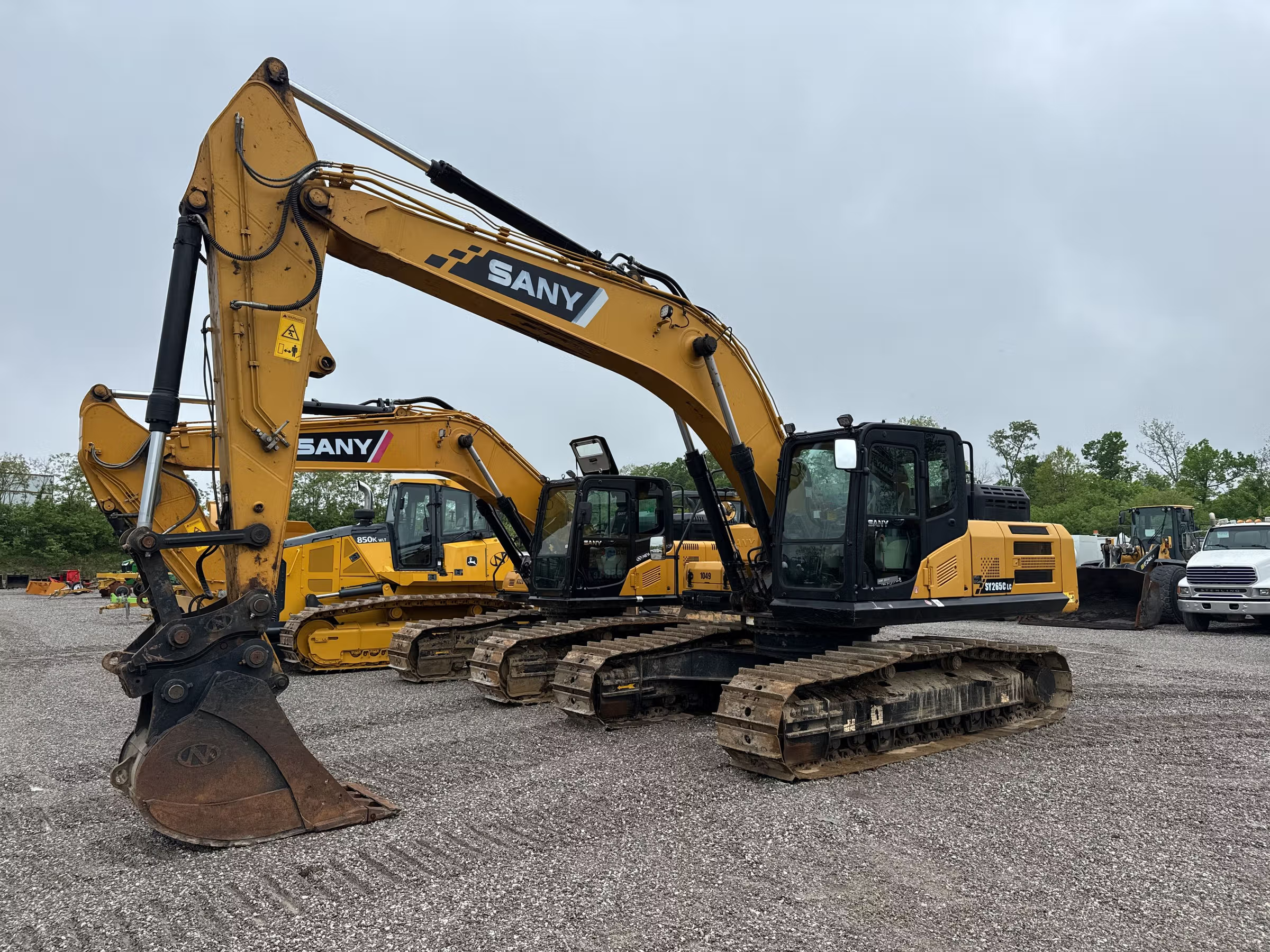
Every machine on one screen, grouped as Working, Available or Maintenance. Each card shows the brand, machine ID, model, location, client contact, the rate for its rental period, prepaid hours, meter and hours until service. Search by name, model, customer, location or owner, and the list narrows as you type.
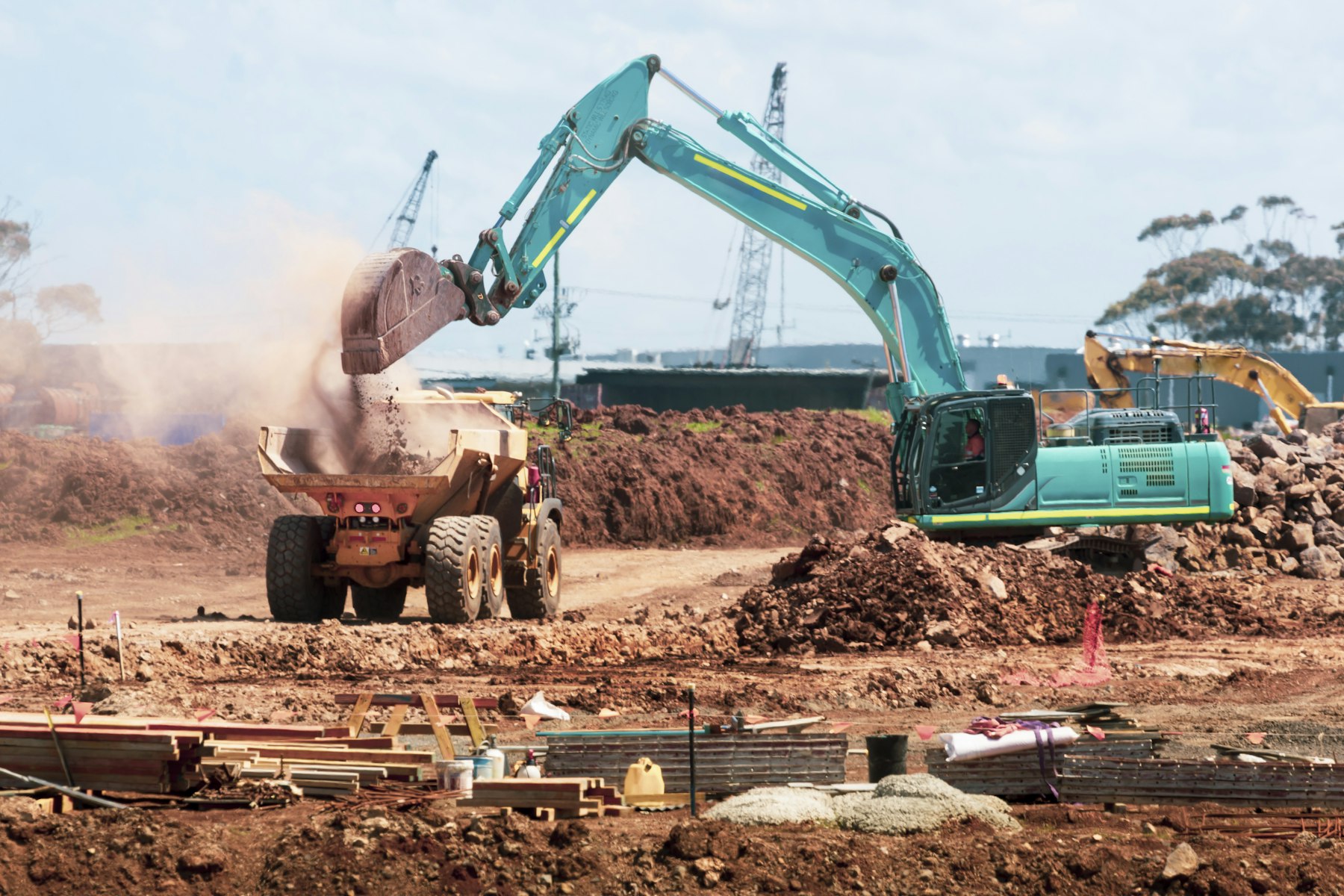
One row for every date: start and stop times, both meter readings, and the work and tracking hours kept apart. A day the machine sat idle is entered as a no-work day with a remark, so a blank never passes for a mistake.
Each machine bills the way the deal was agreed. Hourly sells hours up front and the balance drains as work is logged. Weekly is a flat payment for the week with unlimited running. Monthly is rent plus a daily hours allowance, and any overage is billed as its own payment.
Inside a machine
Six tabs, one machine. Pick a tab to see what it holds. The numbers shown are sample data.
One yard. One ledger. One record behind every hour.
Billing
The rental period is how a machine is billed, chosen when the machine is set up.
The client pays for hours in advance at the machine's hourly rate. Each hour worked comes off the balance. If they work past what they paid for, the balance goes negative and the next payment nets against it.
Hours paid = total ÷ rate
One agreed payment covers the week, with unlimited running. There is no balance and no overage. Hours are still logged for the meter, the service cycle and the record.
Covers start and end dates
An agreed monthly rent includes a daily hours allowance, 10 hours by default. Hours above it, on any single day, are charged at the machine's overage rate. Overage builds up and is billed as its own payment, so rent and overage stay separate.
Free day never creates overage
For machines owned by someone else, MeacTrack keeps the split honest. The company receives the client's payment, keeps its operation charge, and credits the rest to the owner's ledger. The charge is set on each payment, so it is never guessed.
Recorded as one receipt, RCP-0042, with both sides in the journal.

Reminders that do the chasing
Service reminders start at 30 hours to service. Payment reminders go to managers when an hourly machine on rent has 20 prepaid hours or fewer, or when a weekly or monthly period has ended with nothing covering today. Each machine's reminder repeats daily until it is resolved, and each person gets one digest email a day.
Photo: Unsplash
How it works
Name, address, GST or tax number if you have one, time zone, currency, units and your logo. Sign in with email and a password, or with Google.
The MeacTrack team reviews each new company before it opens. You are told by email as soon as it is decided.
Add each machine with its owner, rate, rental period and opening meter. Invite your team by email and give each person their role.
Record daily logs, fuel and services as the work happens. Payments and the books update themselves. Close each financial year once it has ended.
The books
Every payment, fuel fill, service, salary, purchase and sale writes its own balanced journal entry, so the books match the work without anyone retyping it. Each voucher has its own number, and a reversed voucher stays visible in the register.
| Account | Debit | Credit |
|---|---|---|
| Bank, main account | 1,000.00 | |
| Operation income | 100.00 | |
| Owner ledger, owner of EX-01 | 900.00 | |
| Total | 1,000.00 | 1,000.00 |
Sample voucher. Totals always balance.
Team & access
Six roles, and each one is enforced on the server, not just hidden in the menu. On a machine, staff write the daily logs and fuel, mechanics record services, and everyone reads the rest. Managers see the whole fleet and the books. Guests look without changing a thing.
Only owners and admins can remove a member, close a financial year, delete a record or read the audit log.
Everything, including closing years, removing people and reading the audit log.
The same as owner for running the company, its team and its records.
The whole fleet, the books, Stock and Assets. Invites staff and sees Access management.
Records services on the machines they are given, and reads the other tabs there.
Writes daily logs and fuel on the machines they are given, and reads the rest.
Reads machines, books, stock, assets and vouchers. Changes nothing.
Security
Every record belongs to one company. A company's data is never shown to another, and a company only sees the machines and books its people are allowed.
A password is chosen from a link sent to your email, which works once and expires in an hour. Google, Discord and Facebook sign-in are offered where configured.
Deleting a daily log, fuel fill, service, fitted part or voucher is limited to owners and admins. A closed financial year takes no new postings, and a payment from it is reversed rather than edited.
A bell in the top bar shows what needs attention, and a daily email digest keeps the rest in view. You can switch the email off in your account while the bell keeps showing them.
Questions
Still unsure? Sign up and look around. Nothing is switched on for real until your company is approved.
Companies that rent out heavy equipment, whether they own the machines or look after them for owners. It works for one yard or a larger fleet.
Yes. The menu slides in from the side, long tables become cards, and the top bar keeps the page title and your bell in view.
Daily logs can be imported from a CSV file of up to 500 rows, and bank statements from a bank's CSV. Excel files are not read directly, so save the sheet as CSV first.
Yes. Each company sets its currency, time zone and units (liters or gallons), and the financial year's start month. Every amount is shown in your currency.
Eight lists export to Excel with real numbers and dates, so totals add up. Machine logs, fuel, services, spare parts, payments, account statements, accounts and stock all have an Export button.
Once you register, the MeacTrack team checks the company. While it waits, the app stays closed for it, and you are emailed the decision. An approved company can be suspended and restored by the team if needed.
Ready when you are
Register your company, add your machines, and let the logs, the billing and the books keep up with the work.